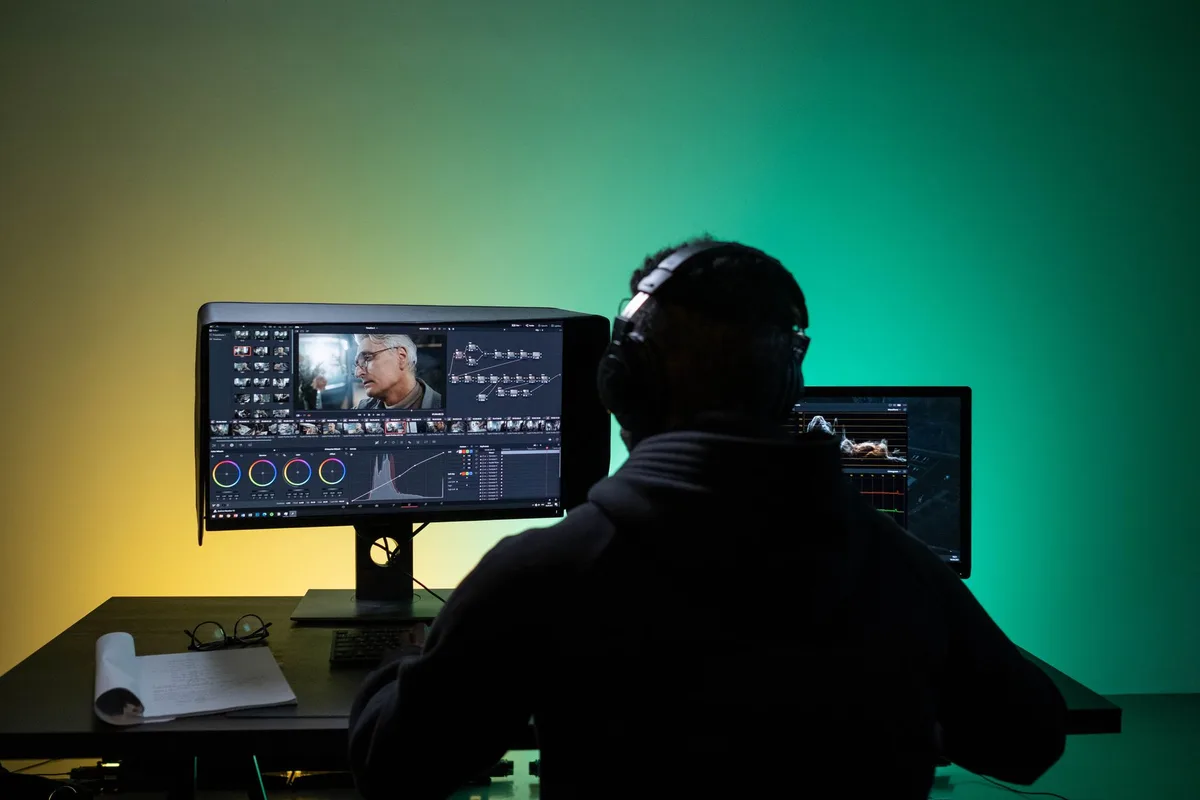
In this article
A compilation video is the easiest format to get wrong. Stitch clips together, add music, and YouTube’s monetization review can flag the whole channel, even with full permission from every creator you clipped.
The fix is not avoiding compilations. It is building each one around rights you can document, commentary only you could write, and an edit structure the source clips never had on their own.
What You’ll Need
- A specific angle. Not “funniest moments” or “oddly satisfying.” A thesis you could defend in one sentence.
- A clip log. Every source clip, where it came from, and what covers its use.
- A finished script. Written before you touch the timeline, not narrated over clips as you go.
- An editor with overlays and multi-track audio. CapCut, Descript, DaVinci Resolve, or similar.
- A narration voice. Recorded or AI generated, carrying commentary through the whole video.
- 30 minutes for a self-check. Before you upload, not after a reviewer flags you.
Step 1: Pick an Angle That Needs Your Own Commentary
Most compilation channels fail the same way. They cut clips together, add a trending sound, and call the editing “the work.” YouTube’s own allowed examples for reused content are built the opposite way: a critical review, a reaction video where you comment on the clip, a sports replay where you explain the moves a competitor made, footage where you add a storyline and commentary on top. Source: YouTube channel monetization policies.
The common thread is commentary that could not exist without you. “Oddly satisfying compilation” has none, because the clips carry the whole value and your voice adds nothing a viewer could not get by watching the originals.
“The three decisions that sank [niche] history’s biggest failures” has somewhere to put your own analysis in every clip. Pick that kind of angle before you source a single clip, and the rest of this guide gets easier.
Step 2: Separate the Rights Question From the Monetization Question
Creators mix up two different gates, and mixing them up is how channels lose monetization even with clean permissions. One gate is legal: does using this clip expose you to a copyright claim or strike? The other is YouTube’s monetization policy, and it runs on a different standard entirely.
YouTube’s reused content policy is a monetization eligibility check, separate from copyright. It applies even when you have the original creator’s permission, because permission answers the legal question, not whether your video adds enough original value to earn ad revenue. Source: YouTube channel monetization policies.
YouTube states this directly: “Reused content is separate from YouTube’s Copyright enforcement, which means it’s not based on copyright, permission, or fair use.” It also states the reused content rule “applies even if you have permission from the original creator.”
So clearing rights takes two separate steps, not one:
- Clear the legal risk. Use your own footage, properly licensed stock, Creative Commons clips with correct attribution, or clips you have explicit written permission to use.
- Clear the monetization bar separately. Even fully licensed clips still need your added commentary, storyline, or substantive editing on top, or the video can still fail the reused content review.
The official YouTube reused content policy guide breaks down the full allowed and not-allowed list if you want the complete reference before you plan a series around this format.
Step 3: Script the Commentary First, Then Collect Clips to Match It
Writing the script before you touch any clips forces real commentary instead of narration that just describes what is already on screen.
Draft each section as a claim, not a caption. “This clip looks impressive, but the setup took 40 attempts” is commentary. “Here’s an impressive clip” is not, and it is the kind of line that turns a video into exactly what YouTube calls out: readings or restatements with no added insight.
Write the full script in a document first. Mark where each clip goes, what your voice says over it, and what point that section proves. The YouTube script template for faceless channels gives a section-by-section structure if you want a starting format rather than a blank page.

Step 4: Source and Log Every Clip With Its Permission Trail
Once the script tells you what each section needs, go find clips to match it, not the reverse. Log four columns for every clip before you drop it on the timeline:
| Column | What to record |
|---|---|
| Source | Where the clip came from, with the original URL or filename |
| License | Your own footage, licensed stock, Creative Commons, or written permission |
| Modification | What you changed: trimmed, overlaid, color graded, re-timed |
| Commentary point | The specific thing your script says over this clip |
This log protects you twice. It is your evidence if a copyright claim comes in, and it is your proof of added value if a monetization reviewer looks at the video. YouTube reviewers can check “Videos, Channel description, Video title, Video descriptions,” so naming your sources in the description (rather than hiding them) is itself one of the policy’s allowed patterns: content “where the creator explains how the creator added to the content.”
Step 5: Edit for a Narrative Structure, Not a Highlight Reel
This is where most compilations fail the review, structurally, not legally. YouTube’s own not-allowed example is specific: “Clips of moments from your favorite show edited together with little or no narrative.” Its allowed example is just as specific: “Edited footage from other creators where you add a storyline and commentary.”
The difference is structure. A highlight reel plays clip, clip, clip, in whatever order looks good. A compilation with a narrative arc opens with a stake (“here’s what’s actually at risk in this clip”), delivers the clip with commentary layered through it, then closes the point before moving to the next one.
Build each section the same way:
- Frame it before the clip plays. One sentence that tells the viewer what to watch for.
- Narrate through it, not just before it. Commentary during the clip, not only a caption card before it starts.
- Close the point. One sentence that ties the clip back to your video’s thesis before you cut away.
Repeat that pattern across every clip, and the video reads as one argument told through examples, not a folder of clips someone dumped into a timeline.
Choose a path that fits your format and risk constraints. Use the Faceless Channel Path Selector to narrow the channel model before choosing tools or production shortcuts. Free. No checkout.
Step 6: Add Visual and Audio Treatment That Shows Substantive Editing
YouTube’s allowed list includes “edited footage with audio and visual effects on top of the video’s reused content that demonstrates substantive editing and shows it’s unique to your channel.” That is a specific bar: effects that make the video recognizably yours, not a filter slapped on top.
Practical ways to hit that bar:
- Lower-third source tags. Name the clip’s source and context on screen, not just in the description.
- Callout graphics tied to your commentary. Circle, underline, or zoom into the exact detail your narration is talking about.
- Your own transition style. A consistent cut pattern or motion graphic that appears nowhere in the source clips.
- Layered sound design. Your voice under every clip, with music ducked under it, not music carrying the video while your voice only bookends it.
A transcript-based editor makes most of this faster than a manual timeline cut, because you can place overlays and trims against your actual script text instead of scrubbing by eye. The CapCut alternatives roundup compares a few options built around that workflow if your current editor is slowing this step down.
Step 7: Check Whether Your Narration Needs an AI Disclosure Label
If you are recording your own voice, skip this step. If you are using an AI voice for narration, check the actual trigger before assuming either way.
YouTube’s GenAI disclosure policy requires a label only for content that “makes a real person appear to say or do something they didn’t do,” “alters footage of a real event or place,” “generates a realistic scene that didn’t actually occur,” or “creates music that’s the main focus of the video.” Source: YouTube’s GenAI content disclosure policy.
An AI voice reading your own original commentary over real, unaltered clips generally falls outside all four categories; it is not impersonating a real person or depicting a fabricated event. If any clip in your compilation was itself AI-generated or AI-altered to show something that did not happen, that specific clip can require disclosure regardless of your narration choice. Check the current policy page for your specific case before publishing, since the list of examples is explicitly not exhaustive.
Step 8: Run a Channel-Level Self-Check Before You Upload
YouTube states plainly that “our reused content policy applies to your channel as a whole.” One strong video does not protect a channel if the rest of the catalog looks like unedited clip dumps, and a channel that passes reused content review can still trip YouTube’s separate generic or repetitive content rule if every video follows the identical template.
Before you upload, check:
- Does every clip carry commentary a viewer could not get from the source alone?
- Does your editing show in the middle of clips, not just in the intro and outro?
- Does this video’s structure differ enough from your last five uploads that a reviewer scanning the channel would not call it a template?
The YouTube inauthentic content policy guide covers that third question in depth if your compilation format is starting to feel repetitive across uploads.
Common Mistakes When Making Compilation Videos
1. Treating creator permission as a monetization pass
Permission clears copyright risk. It does not clear YouTube’s reused content review, which applies “even if you have permission from the original creator.” Plan for both gates separately.
2. Letting narration restate what’s on screen
“Watch this part” is not commentary. If a viewer could mute your voice and lose nothing, the review has nothing to count as added value.
3. Reusing the exact same compilation template every upload
A channel that passes reused content review one video at a time can still fail the separate generic or repetitive content check if every video shares an identical structure with no real variation.
4. Skipping the source log until someone asks
Building the clip-and-permission log after a reviewer flags the channel is too late. Log it while you edit, every time, so it already exists when you need it.
5. Guessing on AI disclosure instead of checking the trigger
Disclosure applies to realistic AI-generated or AI-altered content in four specific categories, not to every video that uses an AI voice. Check which category applies, if any, instead of assuming either way.
Keep Reading
What to Do Next
Worried about YouTube's July 2025 policy update? Start with the safe production angle, then pick a kit.
Free spreadsheet
Compare 75 faceless niches side by side
Sort all 75 by CPM range, competition, and production difficulty. Filter to what fits you and pick one.
Free. No spam. Unsubscribe anytime.
Read the Policy Answer
What the July 2025 inauthentic-content policy actually changed, and how the cloneable pack handles it.
Read the Policy AnswerComplete Launch Pack
Each channel includes human-directed script outline, scene plan, and thumbnail brief. Built for policy-safe production.
$9 $19 53% off Lowered for first-time creators.